
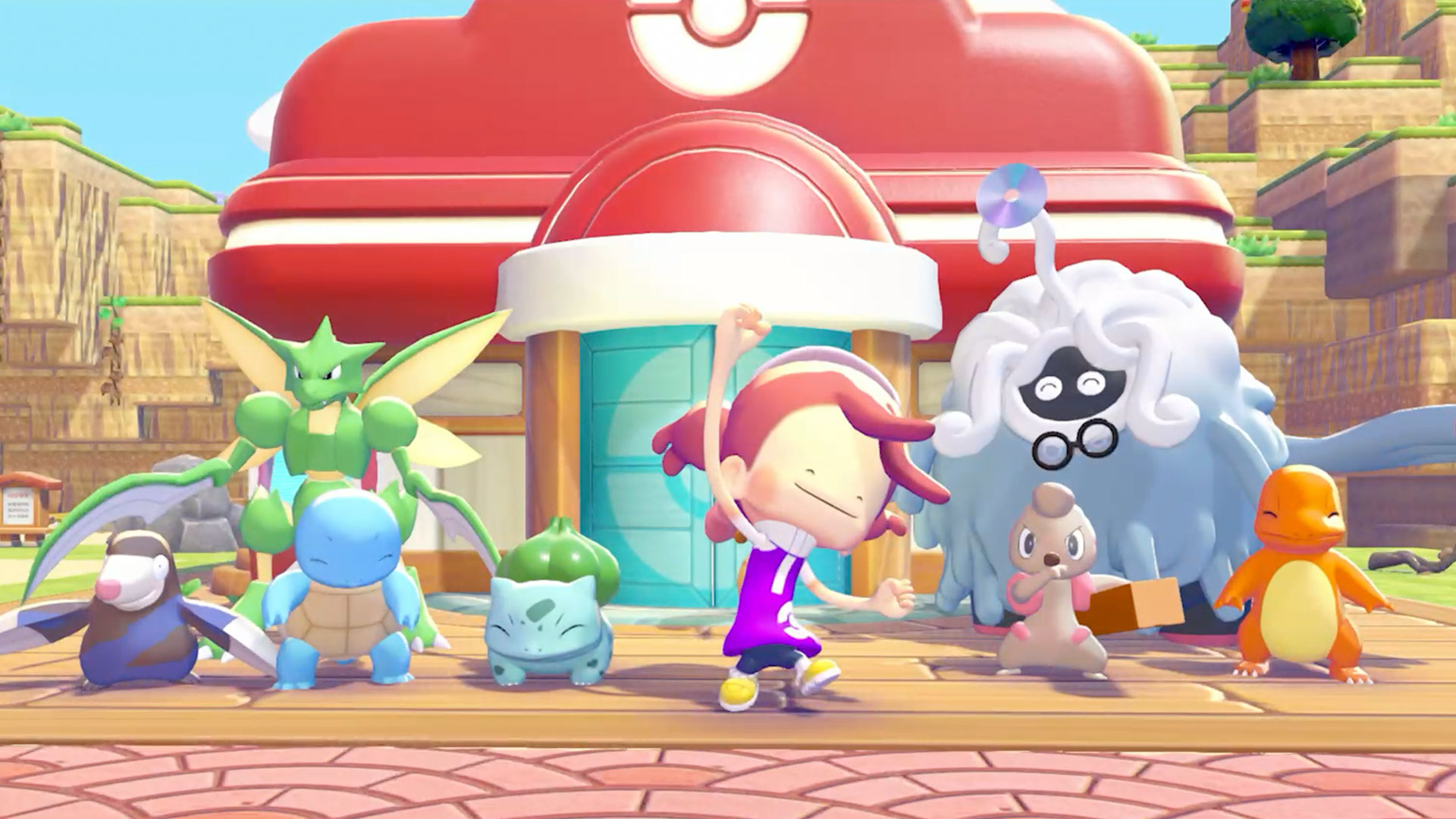
Pokémon Pokopia has proven to be a smash hit, combining the cozy life sim gameplay of Animal Crossing and the building and terraforming of Minecraft, with one of gaming’s most beloved IPs. The result is a unique experience filled with hundreds of Pokémon to find, befriend, and potentially house, while building up several large regions inspired by classic Pokémon towns and architecture.
Even if you’re already familiar with the life sim/builder gameplay, Pokopia has its own share of quirks and hidden features. We’ve complied a list of helpful hints and tips from the first 10ish hours of Pokémon Pokopia to help get you on your best Ditto’d feet.
Spin + Y
By holding the Y button, Ditto can suck up multiple items in a cone. What the game doesn’t tell you, is that you can still turn! For best results, hold Y and spin around to rapidly grab any loose items around you, including recently destroyed blocks. Eat your heart you, Kirby!
Best non-tutorial Pokémon to Unlock Early
Due to their unique abilities and long-lasting features, the best and most useful non-move granting Pokémon to unlock early in the game are Drifloon, Vespiquen, and Gulpin. All three are found in the Withered Wasteland.
Driftloon can be found soon after smashing the rocks that lead to the western shoreline. Drifloon, along with Pokédolls, unlocks passage to the Dream Islands, once you’ve put together its relatively easy habitat (see Daily Dream Island Visits below).
Vespiquen simply needs a large patch of eight flowers in a specific 2×4 formation. The Rototiller ability can make arranging flowers easy. To get Rototiller, smash the rocks east of the Pokémon Center and find Drilbur. Vespiquen can trade honey for random items each day, along with a handy Search feature. You’ll probably want to get a Combee to get easy access to constant honey (use a 2×2 grid of flowers to attract the bee Pokémon).
Gulpin requires the Tantalizing Dinner Set habitat, which consists of a chair, table, plate, and food, which should be fairly easy to put together, especially in that partial block house just next to the Pokémon Center. Gulpin has the rare Storage ability, acting as a mobile storage chest whenever it’s following you!
 Daily Dream Island Visits
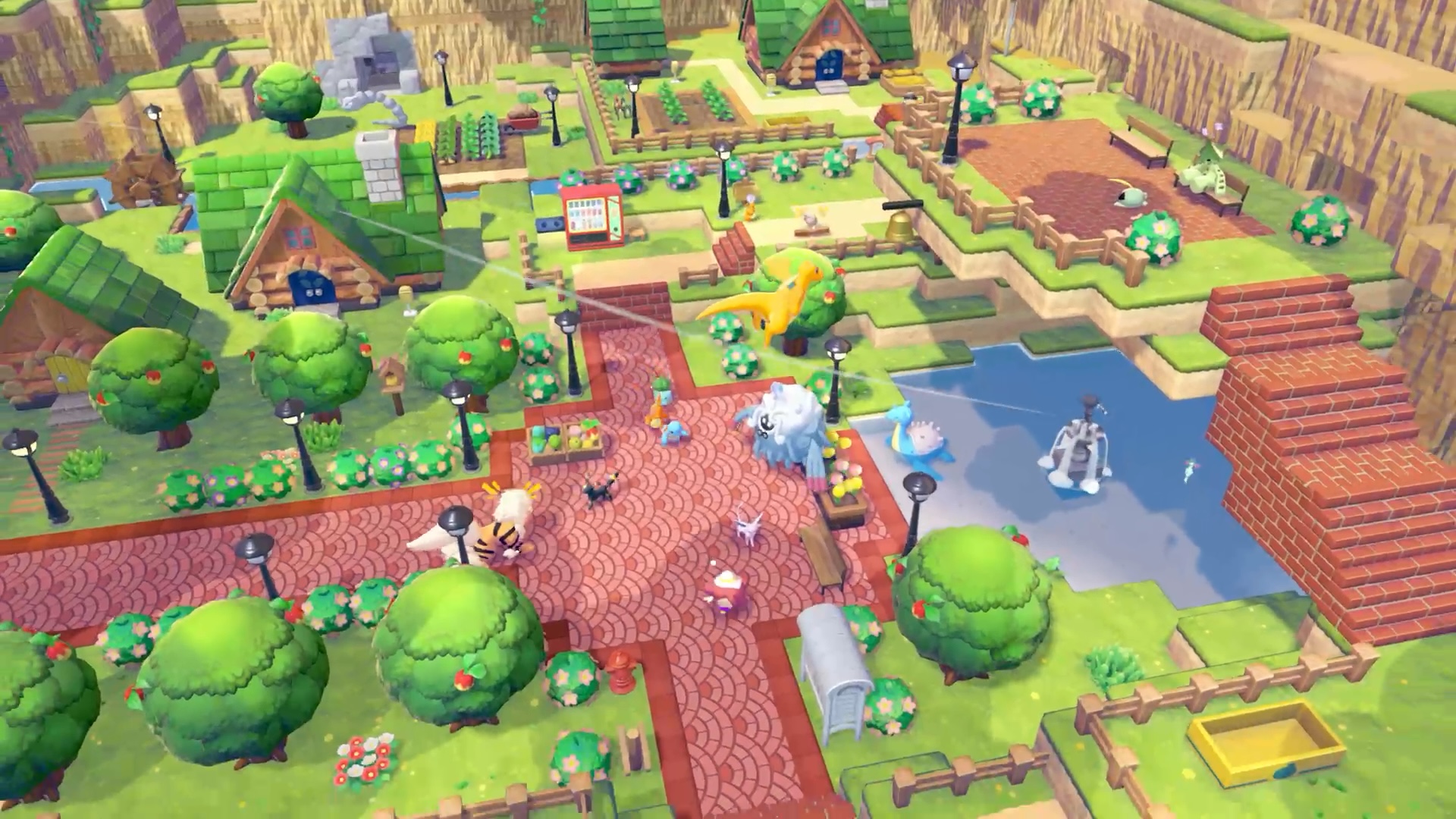
Once you unlock Drifloon and posses at least one Pokédoll (or interact with one), you can visit a Dream Island once per day. These small-ish areas are based on the biome you come from, but are otherwise randomly generated. They’re full of resources and several Pokéball items.
Remember, you can pick up anything you find, including any fencing, planters, blocks, etc, that you find in a Dream Island. Don’t forget to search the highest and lowest points of each island!
It costs nothing to visit a Dream Island, but you’re restricted to visiting one island per day (though you can return back and forth to that island). Make sure to clear your inventory when traveling!
You don’t need to have Drifloon following, or even have to find and talk to it, as long as you drop a Pokémon doll and interact with it. For that reason, it’s a good idea to gather dolls and leave them in an easy-to-find spot, such as your home, so you can make the Dream Island visit a daily task.
Two dolls, the Pikachu doll and Eevee doll, are found in the Bleak Beach area, though you’ll probably find your first Eevee doll in the Withered Wasteland.
Complete Pokémon Requests
Occasionally, Pokémon will appear with a yellow chat box. This indicates an important request, which act as quests or tasks in Pokopia. Requests often help teach players new concepts, such as proper housing, gardening, and lighting, and can reward with new crafting recipes, items, new abilities, or even a rare transformation! It’s a good idea to complete these requests as soon as possible.
In the very early game, you’ll earn important new abilities from doing Requests from Scyther, Hitmonchan, and Drilbur, for example.
As a reminder, you can look up all ongoing Requests from the main Pokédex menu.
Unlock and Purchase Permanent Upgrades
Reaching new Environment Levels is the overall goal for each area, unlocking new items, crafting recipes, and permanent upgrades in the Pokémon PC shop. The upgrades aren’t super clear at first, however, and appear as any other decorative item in the Shop.
There are two primary inventory upgrades: Packing Tips, and Handy Bag. Packing Tips expands your carrying capacity, adding new rows and entire sections. Handy Bag is a unique upgrade that adds 10 slots that act as an always-available quickbar, that should be instantly familiar to fans of the survival crafting genres.
The Handy Bag can be toggled if you prefer using the D-pad to swap moves, rather that within the Bag, but we recommend leaving it on once you start accumulating more and more items!
The other helpful upgrade is called PP Up, and looks liked a potion. Buy this upgrade ASAP (environment level 3 at the Wasteland) to permanently increase your maximum PP, allowing you to use your Pokémon moves more often before needing to recharge with food.
Don’t Stay in the Withered Wasteland
You’ve heard this in countless games before: don’t stay too long in the starting region. While it may be tempting to reach Environment Level 10 in the Withered Wasteland, you’ll be missing out some helpful upgrades and recipes from exploring other areas.
You won’t have access to new areas until after completing the first major storyline quest, which involves rescuing Onix, restoring the Pokémon Center, and helping Slowpoke with the humidity. Once you’ve completed Slowpoke’s yawn (and met a certain legendary Pokémon), then you’ll have access to two new areas, via the gates at the North and East sides of the map.
We highly recommend venturing into these areas next. New regions mean new Pokémon-meeting opportunities, new Requests, new recipes, and new items.
Plus, the two new areas help teach new features, such as music, lighting and power, and cooking, which will open new gameplay opportunities and help you build each region.
 Move Pokémon into Better Homes
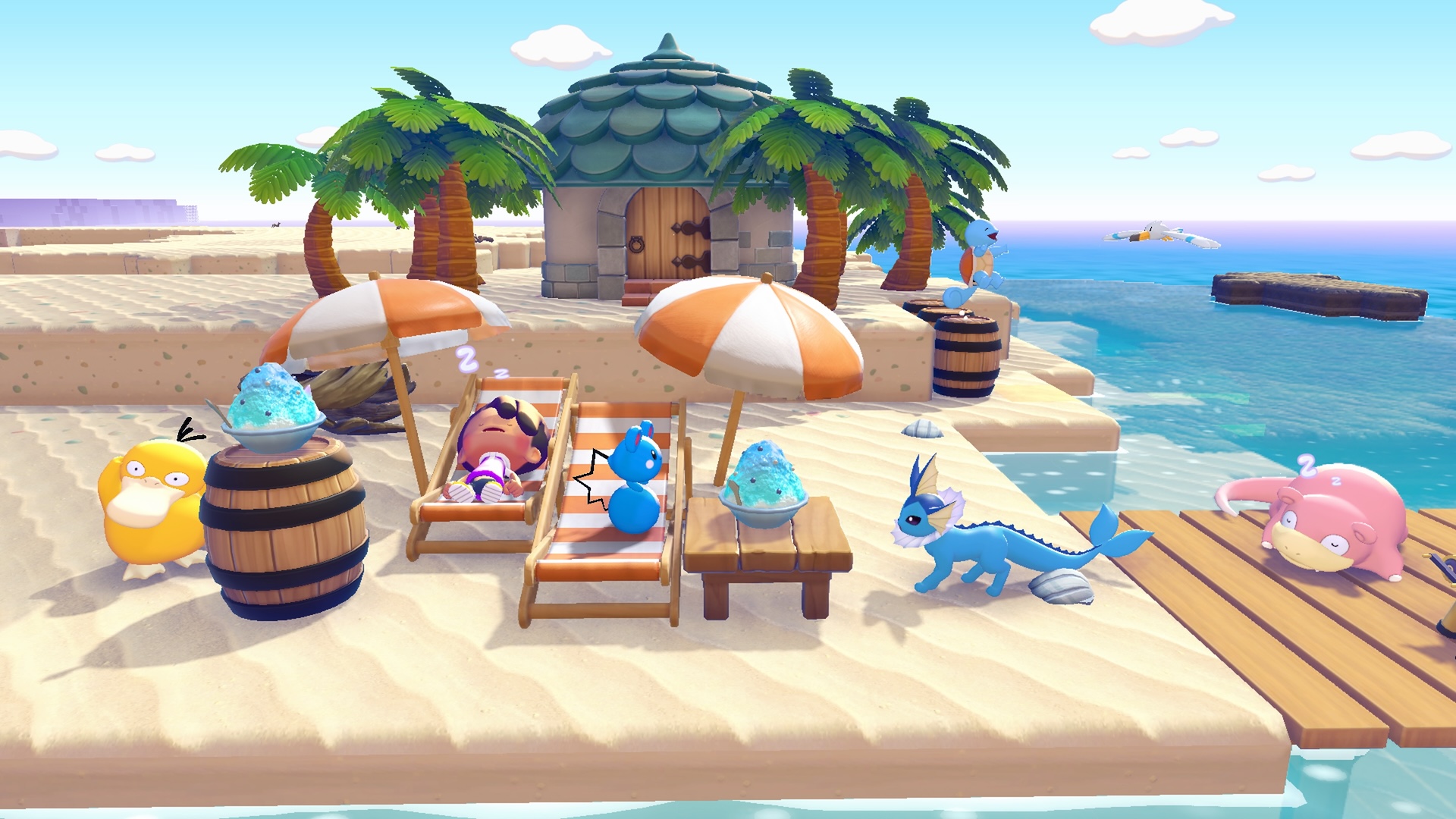
Habitats can be quite chaotic in their placement, especially early on when you’re quickly attracting new Pokémon. Thankfully, it’s relatively easy to move Pokémon around.
Not every Pokémon needs or wants a house, but homing Pokémon is a great way to increase the Environment Level. To move a Pokémon, simply have them follow you, run over to the completed house (or habitat), and talk to them. The new home must have room for them.
You can use the prefab kits by purchasing them, placing them in the world, inserting the correct resources, and assigning the required Pokémon. Or simply build a house brick-by-brick for free! A house doesn’t even need a roof, just four walls (or fences!) and a door.
Remember that for a house to become a home, it must contain at least three furniture items (for multi-floor homes, each floor needs its own three items).
Try to group Pokémon together by their Likes, which is mostly tied to their Type. Water and Grass Pokémon typically like to have Bright, Humid environments, for example. By housing similar Pokémon together, you can easily raise the Environment Level by adding things they all like.
Plus, by re-homing Pokémon, you free up their original habitat. Many habitats can spawn multiple different Pokémon. For example, I built four trash cans in the Beach area, which spawned an Electabuzz. After moving Electabuzz into a nearby home, the trash cans became an empty habitat, and I soon welcomed a Magneton using the exact same setup.
Pokémon Followers, Workers, and Literrers
There are over 30 specialties in Pokémon Pokopia, including Fly, Build, Burn, and Bulldoze, and many Pokémon have more than one. You’ll eventually realize which Pokémon make the best Followers, while others can be (and should be) left to constantly work on refining materials. Others simply do their job by just vibing in the world, dropping useful materials.
For example, Pokémon who can Burn, Grow, or Generate are situationally useful if you’re around the type of thing they can interact with. Whereas Water Pokémon are next to useless to have around, since Water Gun is the first ability we can do ourselves! (Though Water Pokémon can water crops on their own).
In the early game, the most useful Pokémon followers have Search and Storage.
Search uses the Dowsing Machine, an item you should acquire by following Hitmonchan’s Request. While having the Dowsing Machine equipped and pressing A, a following Pokémon with the Search ability, such as Vespiquen, will begin moving toward a hidden item. You’ll probably need to use Rock Smash to get to it, but these hidden items are often relics, which can then be Appraised by Professor Tangrowth as a random item.
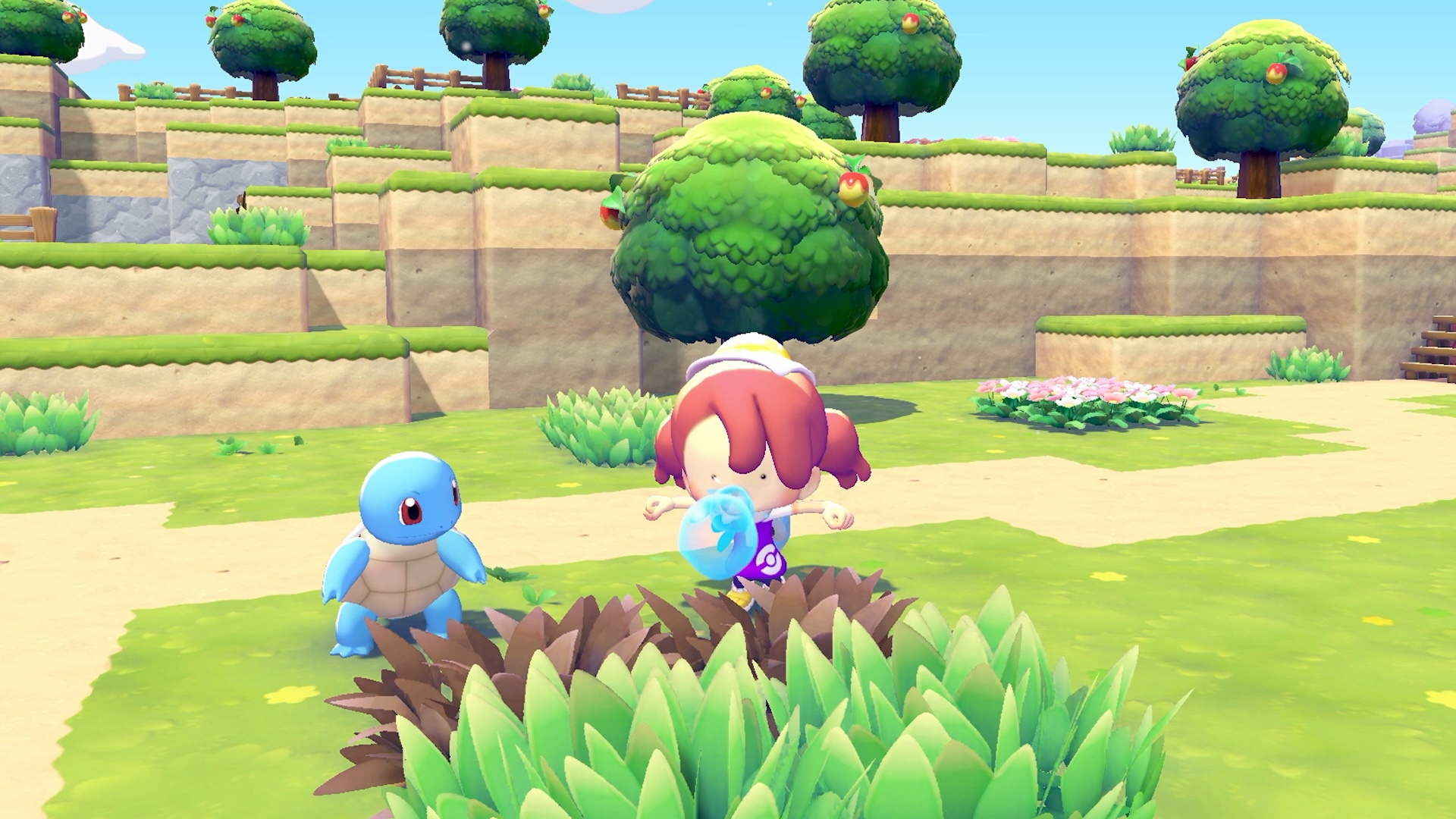 Storage, as we mentioned above, is another useful feature to have in a follower. Gulpin works like a mobile storage chest, a helpful expansion of your inventory.
Pokémon with the Chop and Burn specialties can refine raw resources into better materials. Chop Pokémon such as Scyther can turn logs into lumber, while Burn Pokémon such as Charmander can turn clay into bricks. You can even have Crush Pokémon like Onix turn berries into paint! These Pokémon don’t need to be followers to perform these duties, but they should be kept working hard, as each Pokémon can only handle so many materials at a time.
Finally there’s the Litter Pokémon. These helpful guys periodically spawn useful materials around their home and habitat, just waiting to be collected. Different Pokémon spawn different materials: Mareep drops fluff, Combee gives honey, while Bellsprout drops vines. Having these Pokémon in highly trafficked areas will remind you to collect their stuff on the regular! Or better yet, stick them by Pokémon who can Gather, along with a Community Box, and let the Pokémon clean up and store materials on their own.
Pokémon Pokopia is available on Switch 2, and rated E for Everyone.